 01
01clinic index cards · patient records
Start by digitizing the patient registry, queue, consultation notes, and backups before considering a larger cloud system.
Read the article ↗ 02
02patient queue · clinic reception
A clinic queue needs a patient, priority, reason for visit, assigned doctor, and clear status updates.
Read the article ↗ 03
03patient registration · patient intake form
Collect enough information to identify the patient, contact them, support the visit, and avoid duplicate records.
Read the article ↗ 04
04local clinic software · cloud clinic software
Local-first software can be a practical starting point, while cloud systems fit multi-branch and remote access needs later.
Read the article ↗ 05
05clinic database backup · SQLite backup
A local clinic database needs daily backups, off-computer copies, retention rules, and restore testing.
Read the article ↗ 06
06paper clinic records · manual clinic workflow
Paper records slow clinics down through search time, duplicate work, missing history, and queue confusion.
Read the article ↗ 07
07clinic local server · LAN clinic app
One clinic computer can host a local app while other devices connect through the same Wi-Fi or LAN.
Read the article ↗ 08
08clinic reception checklist · patient registration workflow
Reception should search first, update patient details, add the patient to the queue, and keep status current.
Read the article ↗ 09
09doctor consultation history · clinic patient history
Doctors need patient identity, chief complaint, past diagnoses, previous medicines, allergies or notes, and recent visit history.
Read the article ↗ 10
10duplicate patient records · patient search
Avoid duplicates by searching first, matching name plus birth date, checking phone or guardian details, and warning before saving.
Read the article ↗ 11
11inventory data cleanup · stock database
Clean item names, units, duplicates, locations, and opening quantities before asking a new system to produce reliable stock information.
Read the article ↗ 12
12payroll system · small business payroll
Payroll software must make employee identity, time, pay rules, approvals, deductions, and payslip records traceable.
Read the article ↗ 13
13payroll controls · payroll approval
Reliable payroll is a controlled process: prepare, review, approve, release, reconcile, and preserve the record.
Read the article ↗ 14
14accounting system · small business finance
Accounting systems become useful when transactions, approvals, documents, and reports connect to the decisions owners and staff make.
Read the article ↗ 15
15statement of account · SOA system
A strong SOA workflow starts with reliable transactions, clear balance rules, dated statements, and visible next actions.
Read the article ↗ 16
16custom software · system development
Good custom development moves from workflow discovery to a small working slice, controlled rollout, feedback, and continuous improvement.
Read the article ↗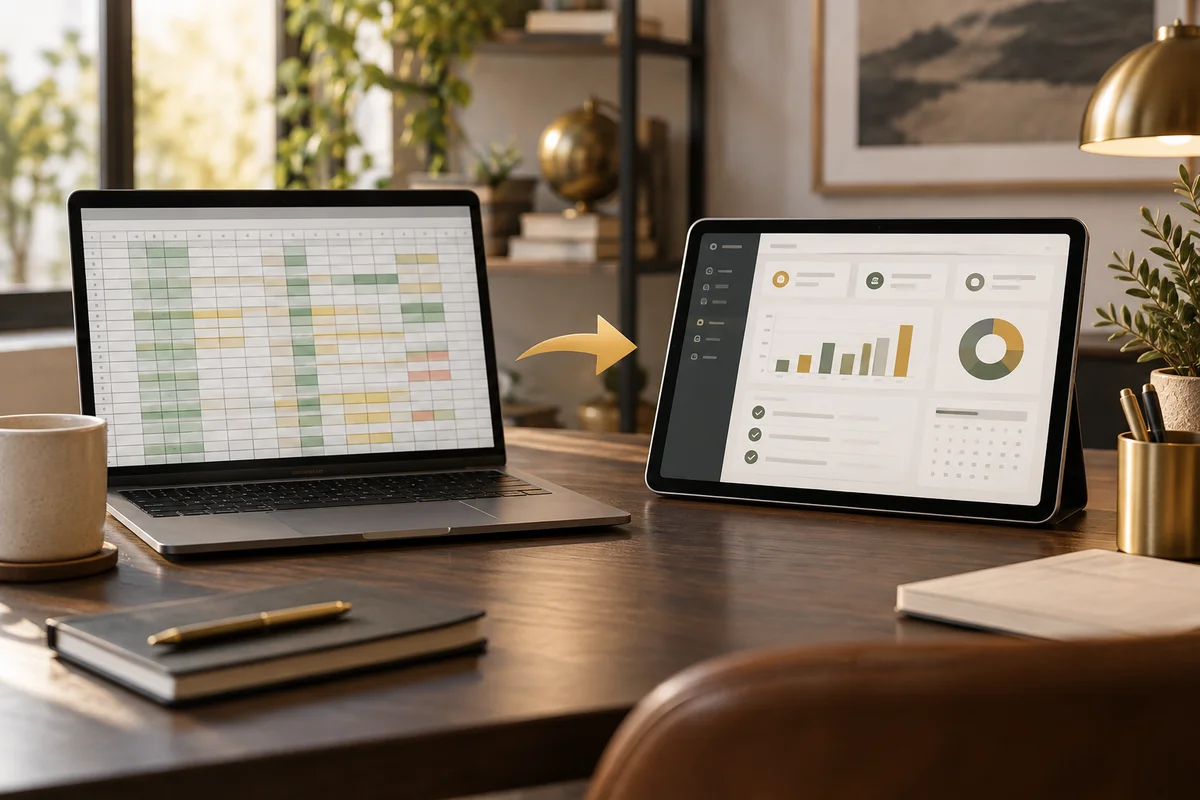 17
17spreadsheet automation · internal tool
A spreadsheet is ready for systemization when multiple people, repeated rules, sensitive data, or operational dependencies make errors and version confusion expensive.
Read the article ↗ 18
18business automation · workflow automation
Choose a process that is frequent, rules-based, measurable, and painful enough that people will notice the improvement.
Read the article ↗ 19
19AI business tools · AI governance
Useful business AI is bounded by trusted information, clear permissions, human review, logging, and a safe fallback when the model is uncertain.
Read the article ↗ 20
20business system security · application security
Security is a system of access, data protection, monitoring, backups, updates, and recovery, rather than a single feature added at the end.
Read the article ↗